


Seamless Experience
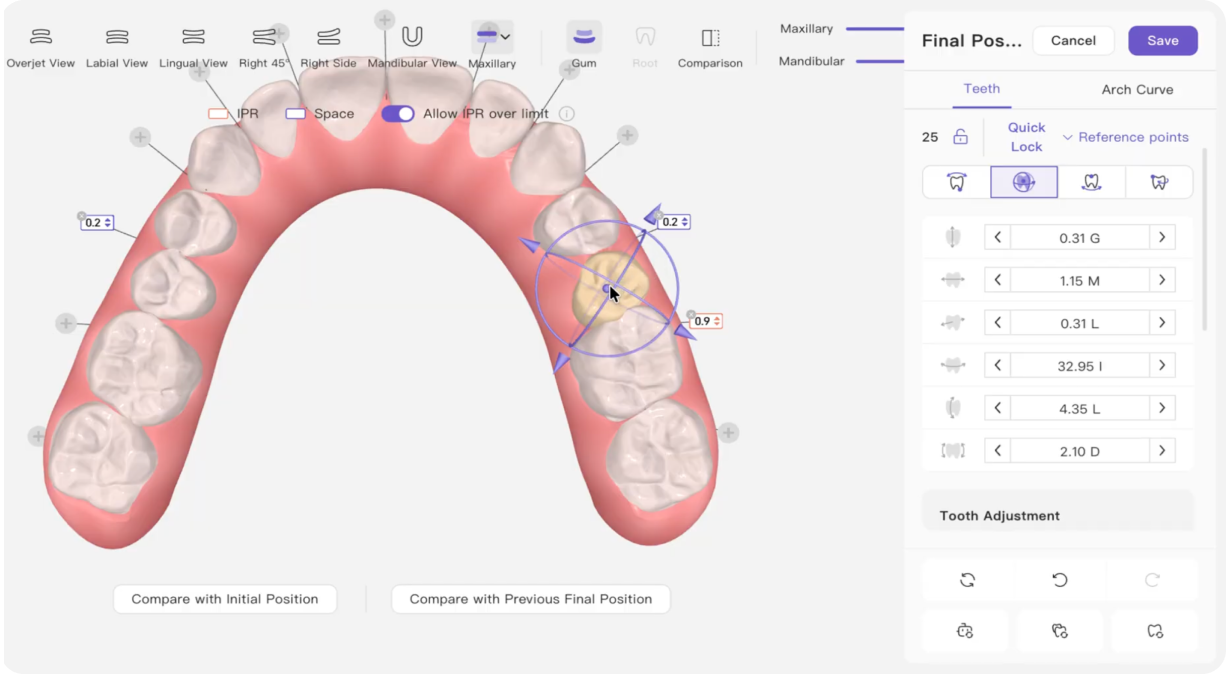
Orbit Controls
Alllows you to move teeth directly using intuitive transform controls.
Visualizes actual root positions and periodontal support to prevent fenestration and root collisions.
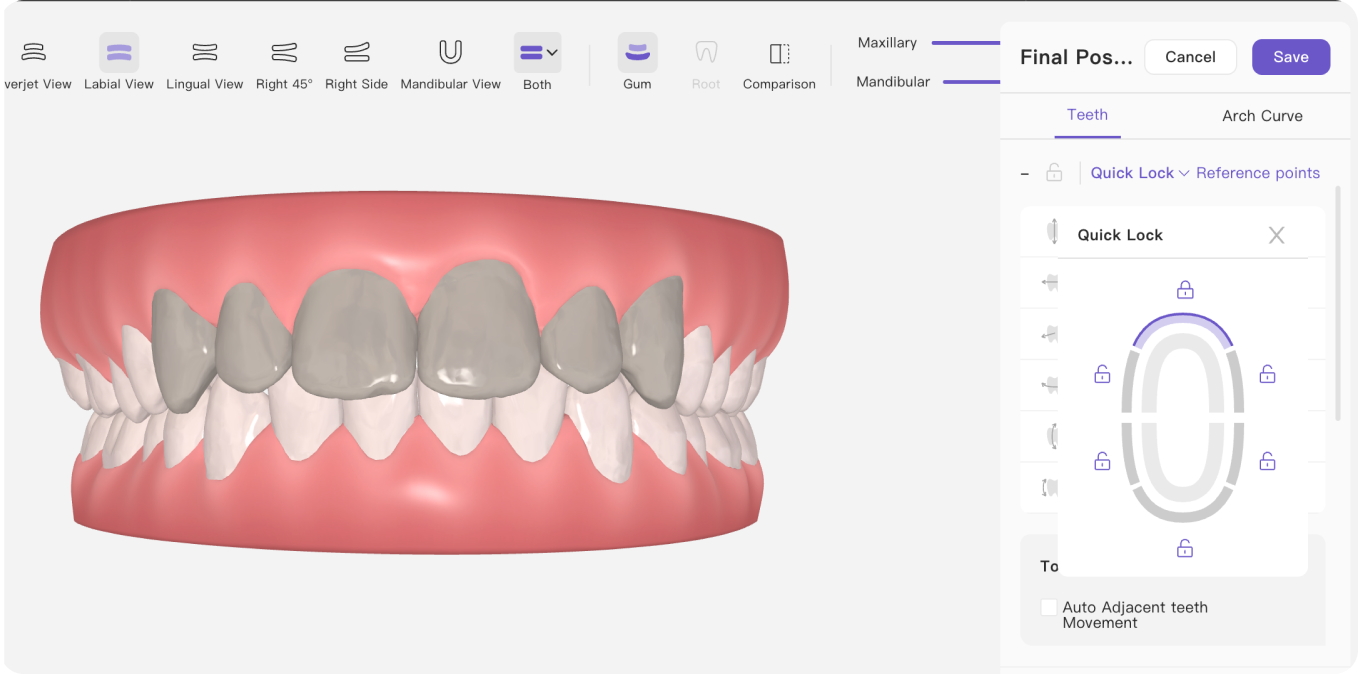
Locking Teeth
Keeps selected teeth fixed while you adjust the rest of the setup.
Preserves anchored teeth or already-optimized positions while modifying adjacent teeth or entire arch blocks.
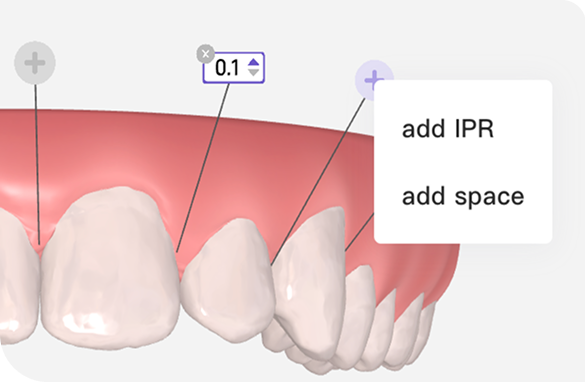
IPR & Spacing
Allows you to adjust planned IPR and spacing amounts directly within the treatment setup.
Allows precise distribution of IPR and helps visualize collisions or spaces to reassure patients about minimal enamel reduction.
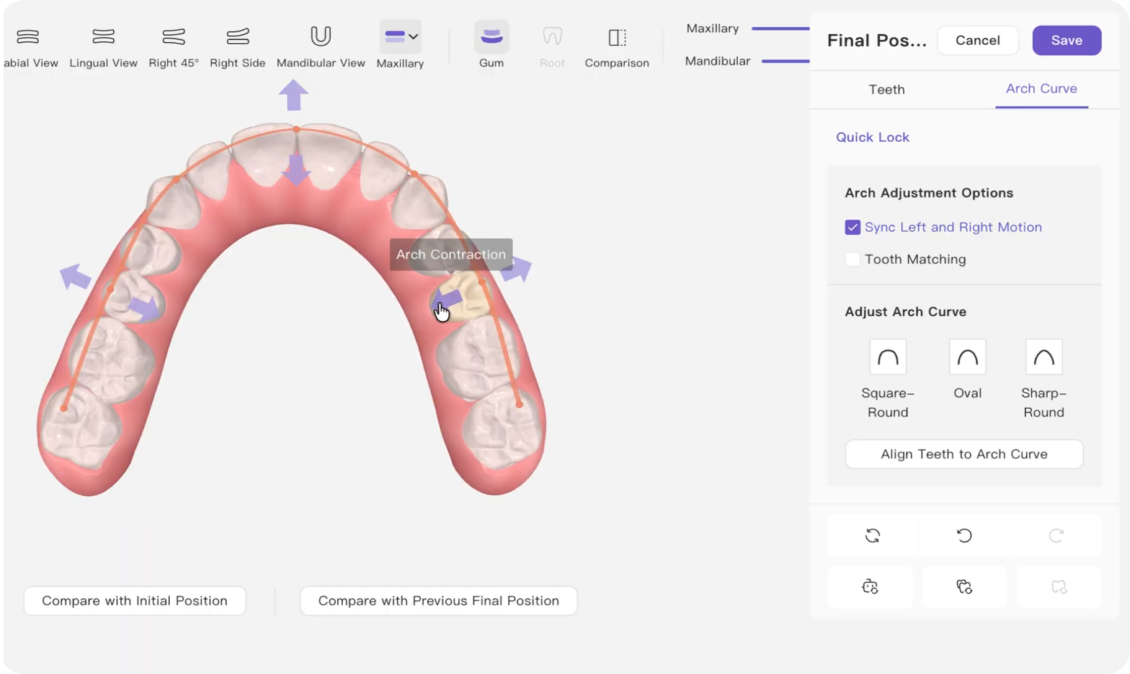
Arch Expansion & Contraction
Allows you to adjust the arch curve and automatically align teeth along the new curve.
Applies uniform transverse edits across blocks of teeth in seconds, eliminating tedious tooth-by-tooth edits.
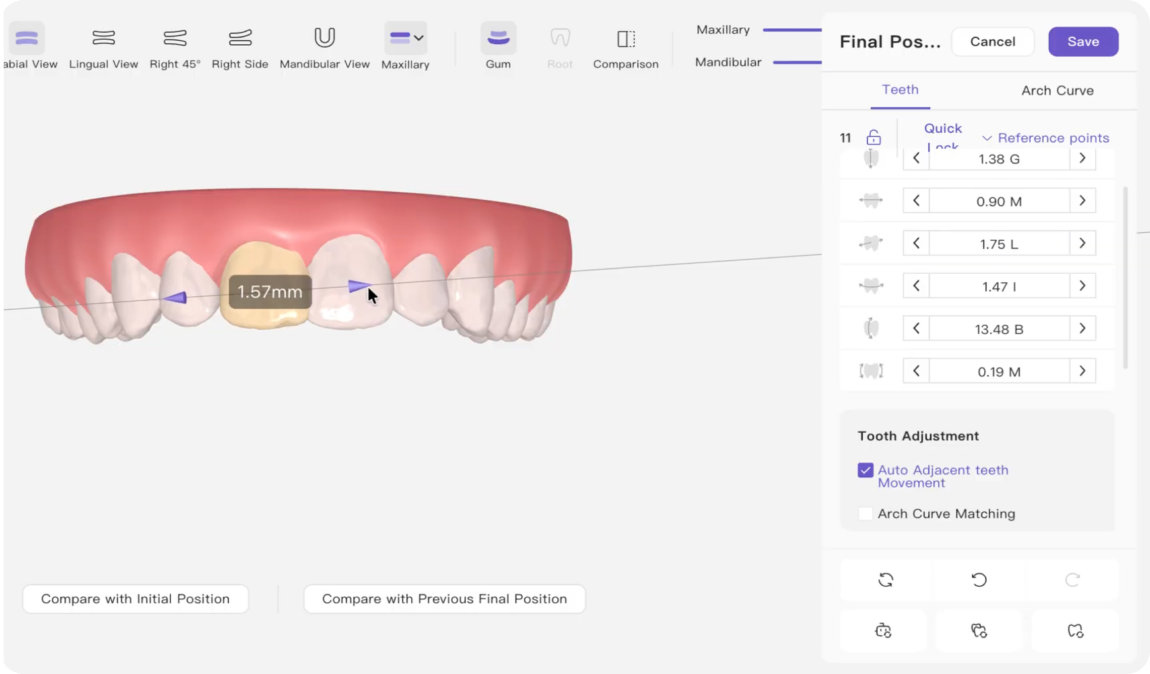
Auto Adjust Teeth Positions
Automatically repositions other teeth in response to a modification based on predefined rules.
Automatically moves adjacent teeth and creates smooth alignment transitions without manually moving each adjacent tooth.
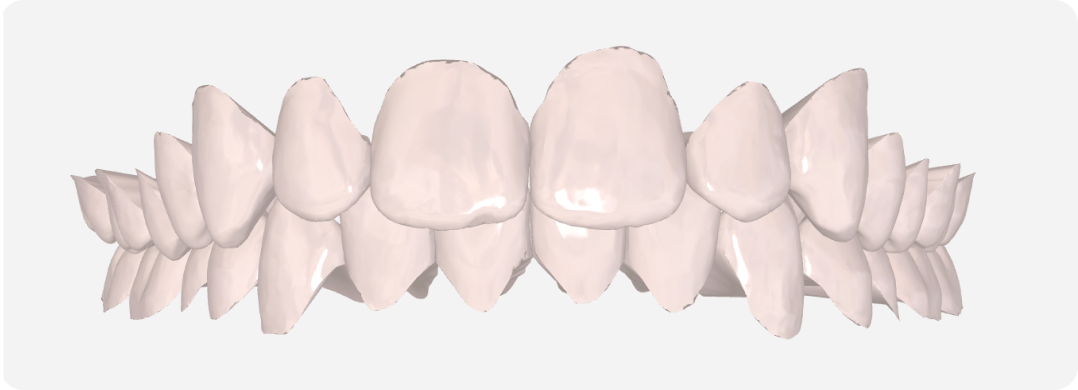
Toggle Gums On / Off
Allows you to switch between tooth-focused and full-anatomy views.
Exposes sub-gingival tooth structures, crown margins, and tight inter-proximal areas for an unobstructed assessment of alignment and contact relationships.
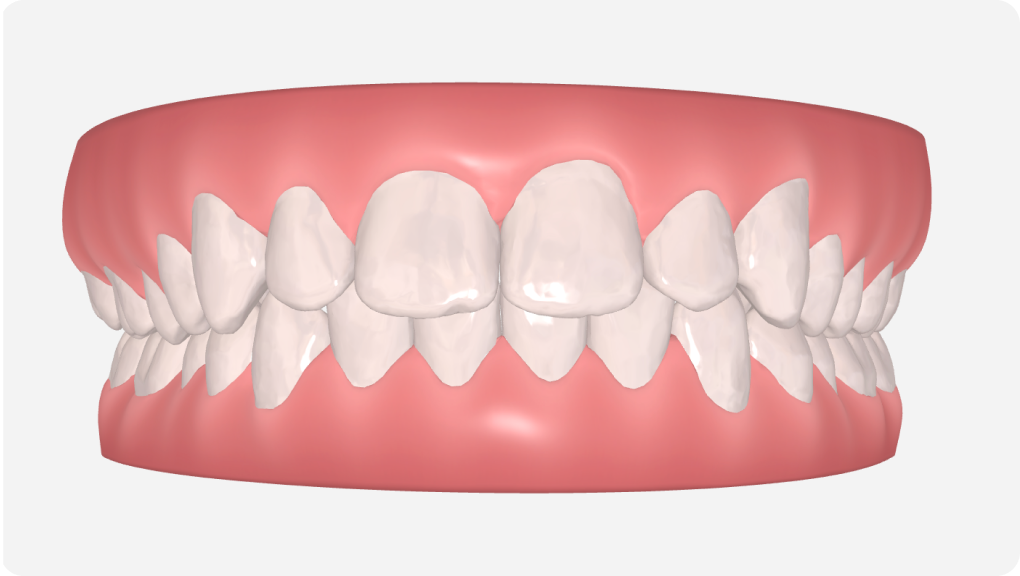
3D Model Look
Provides a clearer and more refined presentation of the treatment setup.
Enhances visual clarity during treatment plan evaluation, allowing for precise inspection of tooth contours, inter-proximal contact areas, and surface details.
.svg)

.svg)


